
AI vs Traditional Headshots: Cost & Quality Compared
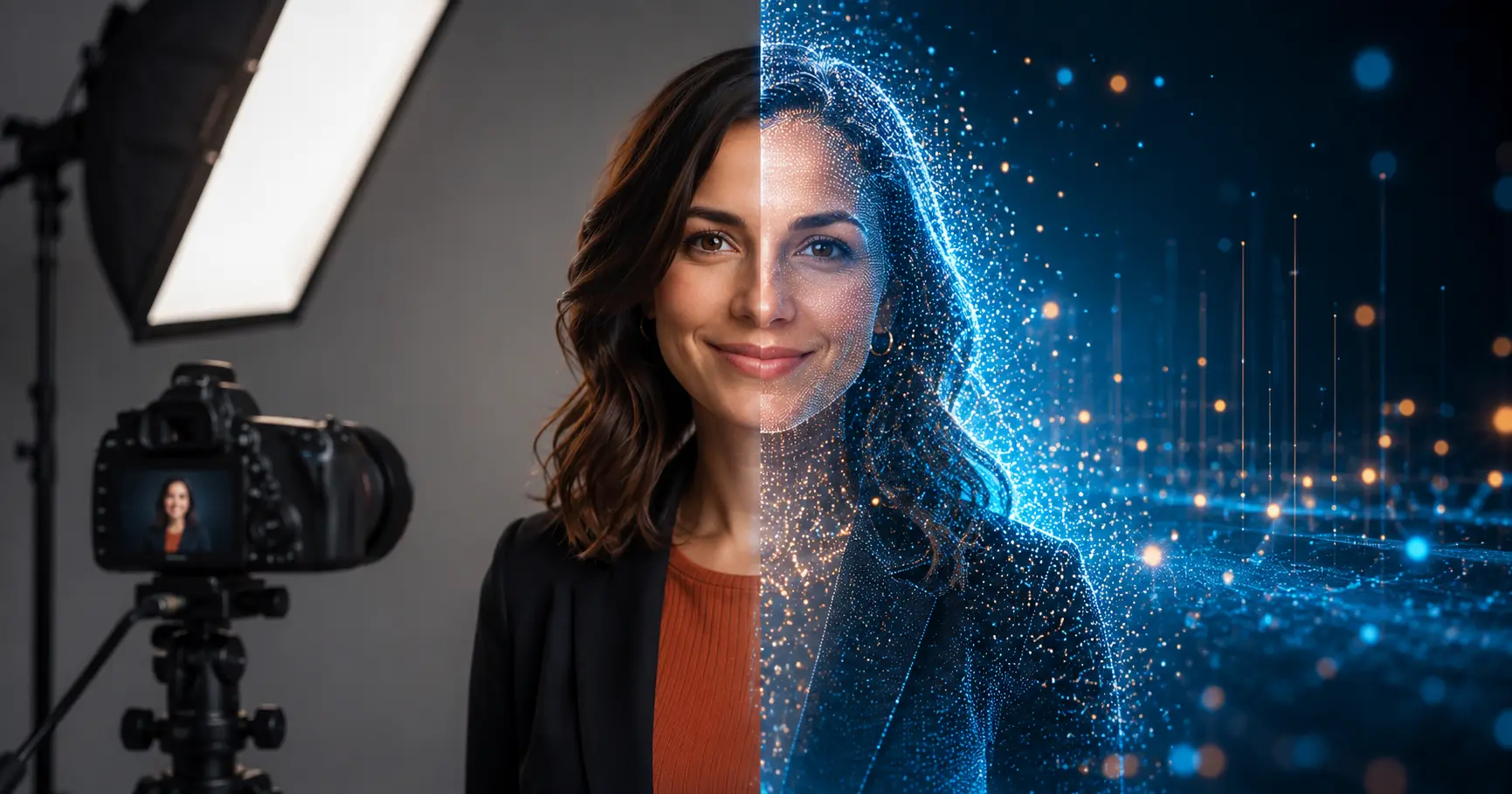
Choosing between an AI headshot and a traditional studio session comes down to four things: budget, timeline, how the photo will be used, and how much authenticity matters to your audience. Both approaches can produce professional results — they just get there differently.
Here is a clear breakdown of how they compare.
What an AI headshot actually is
An AI headshot is a portrait generated from a set of your own photos. You upload a batch of selfies or casual shots, and an AI model trained on professional portrait imagery recreates your likeness in a polished style — clean background, studio-quality lighting, professional attire.
The typical workflow:
- Upload 10–20 varied photos of yourself (different angles, lighting conditions).
- The AI analyzes your facial features and proportions.
- It outputs a set of portrait variations in different styles, backgrounds, and crops.
- You download and use the ones that look best.
No camera operator, no studio booking, no travel. If you want to see the process firsthand, FastHeadshot's generator runs entirely in your browser and typically delivers results within minutes.
What a traditional headshot session involves
A professional studio session pairs you with a photographer who directs your posing, controls the lighting, and adjusts expressions in real time. Sessions typically include professional retouching and a curated set of final images.
What you get from a skilled photographer that AI cannot replicate directly:
- Direction in the moment ("chin down slightly," "relax your jaw") that pulls out a more natural expression
- Lighting shaped specifically for your face structure
- A human eye editing for authentic emotional quality, not statistical averages
The Professional Photographers of America describes professional portraiture as a collaboration designed to reveal character and confidence — a subjective process that depends on rapport between photographer and subject.
Cost comparison
| AI headshot | Traditional studio session | |
|---|---|---|
| Typical price range | $15–$50 | $150–$500+ |
| Turnaround | Minutes to a few hours | 1–5 business days |
| Output quantity | 20–100+ variations | 5–15 edited selects |
| Reshoots | Generate again instantly | Requires rebooking |
AI headshot tools typically cost a fraction of a studio session. For teams, startups, or individuals who need a professional-looking profile photo quickly and affordably, that difference is significant. See FastHeadshot's pricing plans if you want a specific breakdown.
Traditional sessions cost more because photographers invest in equipment, studio space, lighting gear, and editing time. That overhead is real, and for certain use cases it is worth it.
Quality: where each approach excels
Image realism
Modern AI headshots can be strikingly convincing. Diffusion-model technology has advanced to the point where many AI portraits are indistinguishable from studio photography at a glance. That said, quality varies by platform and by the source photos you provide. Common artifacts to watch for: slightly unnatural hairlines, inconsistent skin texture, or subtle facial asymmetry.
Traditional photography captures you accurately under real lighting conditions. There is no synthesis happening — what the camera captures is what you actually look like.
Expression and personality
This is the most meaningful gap. Photography coaches like headshot specialist Peter Hurley have built careers around the idea that the most compelling headshots capture micro-expressions — the brief, unconscious flickers of confidence, warmth, or focus that make a portrait feel alive. A skilled photographer can coach those out of you in a session; an AI model synthesizes a plausible average.
Well-executed AI portraits look polished and composed. They can be harder to make look warm or spontaneous, though the best results come from source photos where you were genuinely relaxed and smiling naturally.
Lighting and composition
AI tools simulate professional lighting setups — Rembrandt, butterfly, loop — as approximations based on training data. The results are generally clean and flattering. A photographer working with real lights can sculpt light around your specific face, emphasizing or softening features with precision an algorithm currently cannot match.
Speed and scalability
AI headshots are substantially faster for most use cases:
- Individual: Upload photos, receive portraits within the hour, update your LinkedIn the same day.
- Remote teams: Generate consistent headshots for distributed employees without coordinating travel or studio bookings.
- Frequent updaters: If your role or look changes often, regenerating is trivial.
Traditional photography requires scheduling, travel, and post-processing time. For a single person updating a LinkedIn photo, that overhead is manageable. For a company onboarding dozens of remote hires, it becomes a logistical project.
For tips on getting the most from your source photos before uploading to an AI tool, see our guide on how to take a great headshot at home.
Professional perception: does it matter how the photo was made?
Opinions vary here, and they vary by industry and context. In fields where authenticity and personal connection matter — acting, executive leadership, public speaking — there is genuine value in a portrait that looks distinctly human and unprocessed. Recruiters and creative directors in those areas often respond to the specificity a real photograph provides.
In most professional contexts — LinkedIn profiles, company websites, conference bios, app profiles — what viewers actually notice is whether the photo looks professional, approachable, and current. A high-quality AI headshot clears that bar comfortably. See whether AI headshots are acceptable for LinkedIn for a more detailed look at that specific use case.
The ethical consideration worth keeping in mind: if your AI headshot looks substantially different from how you appear in person — different body type, much younger, significantly altered features — that gap creates a credibility problem the first time you meet someone in person. The best AI headshots enhance your appearance within realistic bounds; they do not replace it with a different person.
Hybrid approach: combining both
Some professionals now use a combination:
- Book a single quality studio session to establish a professional baseline photo.
- Use AI tools to generate variations (different backgrounds, attire, crops) from that base.
- Update with AI headshots between studio sessions as their role or look evolves.
This approach captures the authenticity advantage of traditional photography while using AI for the efficiency and variety benefits. If you are curious what professional headshot photography looks like from a traditional standpoint, where to get a professional headshot for LinkedIn covers photographer selection and what to expect from a session.
Decision guide: which to choose
AI headshots make sense when:
- You need a professional photo quickly and affordably
- You are updating a LinkedIn profile, startup bio, or app profile
- You are part of a distributed team that needs visual consistency without coordinating logistics
- You need multiple variations (different backgrounds, cropping formats)
Traditional photography makes sense when:
- You are an executive, public speaker, author, or actor where portrait quality is a direct professional signal
- You need a photo that will be used prominently and for a long time (book covers, major publications, speaking circuit)
- Emotional authenticity and directing on set matter to your final result
- You want a photographer's expertise applied to a specific creative vision
For more on nailing the variables that make any headshot work — AI or traditional — the professional headshot prompts guide is a useful companion read.
Frequently asked questions
Can people tell if a headshot was AI-generated?
Often not, especially if the source photos were high quality and the result was carefully selected. Tells to watch for include overly perfect skin texture, slightly unnatural hairlines, and backgrounds that look too clean. Choosing a natural pose and expression in your source photos reduces these artifacts substantially.
Are AI headshots acceptable for LinkedIn?
Yes, for most professionals. LinkedIn's own guidance focuses on having a clear, professional, recent photo — it does not specify how the photo was created. The more relevant question is whether the photo accurately represents how you look. See are AI headshots okay for LinkedIn for the full breakdown.
What is the typical cost difference between AI and traditional headshots?
AI headshot services typically run $15–$50 for a batch of portraits. Traditional studio sessions generally start around $150 and can run $400–$600 or more in major cities, depending on the photographer's experience and what is included (retouching, multiple looks, print rights).
How many photos do I need to upload for a good AI headshot?
Most platforms recommend 10–20 photos that show varied angles, lighting conditions, and expressions. More variety in your source photos generally produces better output, because the model has more data to work with when synthesizing your features.
Can I use a selfie as a professional headshot?
It depends on the quality of the selfie. A well-lit selfie taken with a recent smartphone in good natural light can look quite professional — especially after AI enhancement. See can a professional headshot be a selfie for a practical look at when selfies work and when they do not.
Ready to see what AI can do with your photos? Generate your headshot — it takes about five minutes to upload your photos and the results are ready within the hour.
Related articles
Headshot Aspect Ratio Guide: Best Ratios for Every Use
Learn which headshot aspect ratio to use for LinkedIn, websites, resumes, and social media. Quick-reference table and practical cropping tips included.
AI Headshot Prompts: Write Better Prompts for Pro Results
Learn the exact 4-part formula for writing AI headshot prompts that produce studio-quality results. Includes copy-paste examples for every industry.
How to Take a Great Headshot at Home
Step-by-step guide to taking a professional headshot at home using window light, your phone, and household items. No studio required.