
Where to Get a Professional LinkedIn Headshot
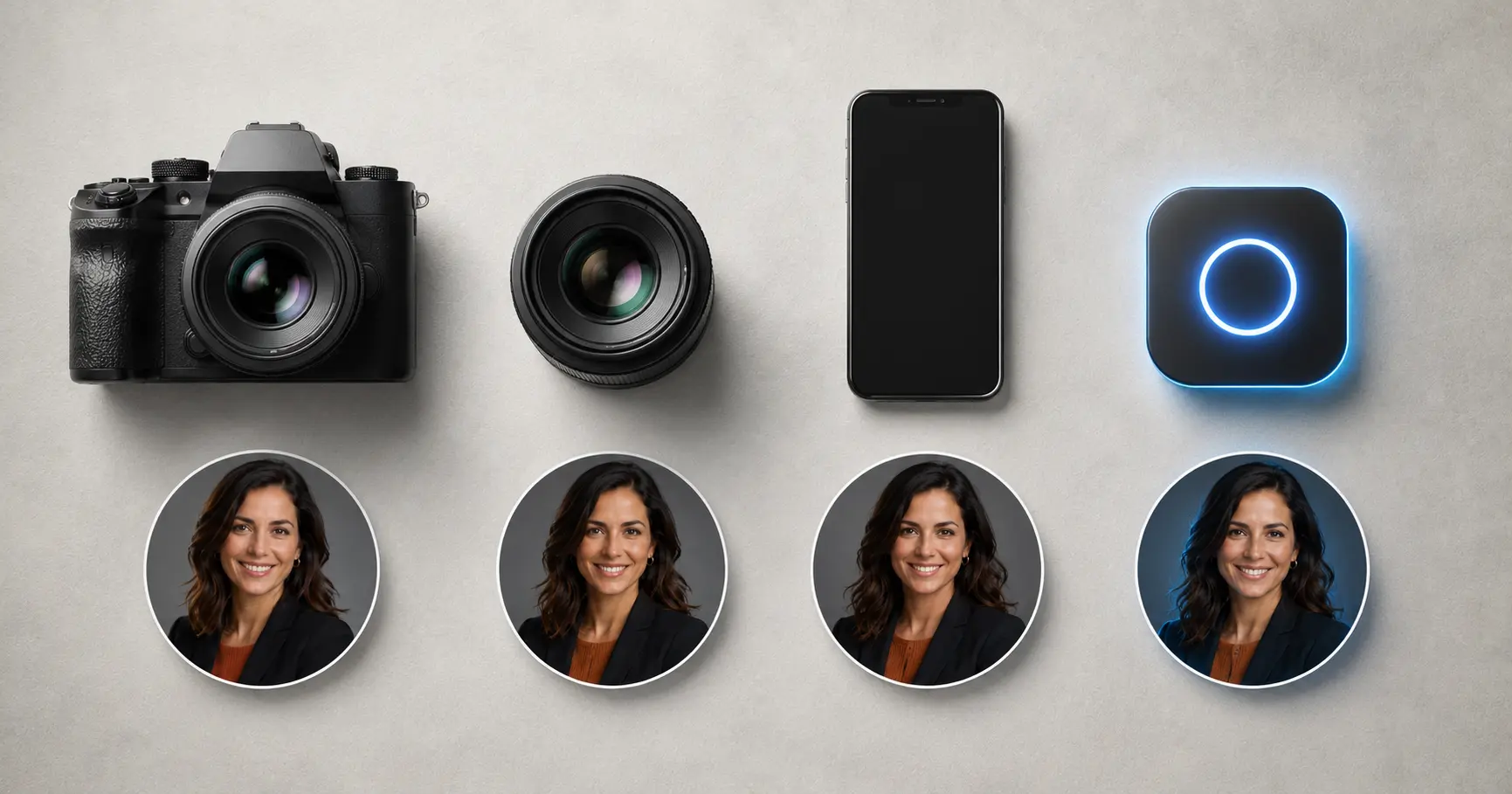
You can get a professional headshot for LinkedIn at a photography studio, through a freelance photographer, at a corporate on-site session, by shooting a careful DIY photo at home, or by using an AI headshot generator online. Each option suits a different budget and timeline — here is how to pick the right one.
Why your LinkedIn photo matters more than you think
Your profile picture is the first thing most visitors see — before your headline, your job title, or your summary. A sharp, professional image signals that you take your personal brand seriously. A blurry selfie or a cropped party photo sends the opposite message. The good news: you do not need to spend a fortune to get this right.
Option 1: Professional photography studio
A dedicated portrait studio is the traditional go-to. A trained photographer handles lighting, background, posing guidance, and post-processing retouching.
Typical cost: $150–$500 per session, sometimes more in major cities
Turnaround: Photos delivered within a few days to a week
Best for: Executives, C-suite professionals, or anyone who wants full in-person service and maximum control over the final image
Pros
- Controlled studio lighting produces consistently clean results
- Photographer can coach you through expressions and body language
- Final images are retouched and sized for professional use
Cons
- Most expensive option
- Requires booking, travel, and a time commitment (often a half-day)
- One bad session is an expensive mistake
Option 2: Freelance photographer
Freelancers offer more flexibility than a fixed studio — they can meet you at your office, a park, or anywhere that fits your personal brand.
Typical cost: $100–$350, depending on experience and location
Turnaround: A few days to a week after the shoot
Best for: Professionals who want a natural or environmental look, or who prefer working without the formality of a studio
Pros
- Location flexibility — outdoors, office setting, lifestyle context
- Often more affordable than large portrait studios
- Can negotiate packages (number of edited images, turnaround speed)
Cons
- Quality varies widely — always review a portfolio before booking
- Additional retouching may cost extra
- Coordination time adds up, especially if schedules conflict
If you go this route, look for photographers who list "corporate headshots" or "personal branding photography" in their work — general portrait photographers do not always deliver the clean, neutral look LinkedIn profiles call for.
Option 3: Corporate or on-site photography package
Many employers or professional associations arrange group headshot days, bringing a photographer in-house to photograph an entire team in a single session.
Typical cost: Often employer-covered; individual cost can be $30–$100 when offered through professional organizations
Turnaround: Usually a few business days
Best for: Employees whose company organizes it, conference attendees, association members
Pros
- Convenient — no travel, fits into your workday
- Consistent look across the whole team, useful for company LinkedIn pages
- Low or no personal out-of-pocket cost
Cons
- Little control over the session — style, background, and timing are preset
- Rushed, high-volume setups do not always flatter every subject
- You may not get the image that fits your personal brand if it differs from the company style
Option 4: DIY at home
A carefully staged home shoot can produce a surprisingly usable LinkedIn photo, especially if you put thought into lighting and background.
Typical cost: Free to $30 (a basic ring light if you do not own one)
Turnaround: Immediate
Best for: Students, early-career professionals, or anyone on a tight budget who is willing to learn some basic photography fundamentals
Pros
- Zero scheduling friction
- Completely free if you use a modern smartphone camera
- You control every variable and can retake as many times as you want
Cons
- Lighting and composition are the hardest parts to get right without practice
- Easy to end up with a photo that looks noticeably amateurish
- Lacks the professional polish that a studio or AI tool adds automatically
If DIY is your path, our guide on how to take a great headshot at home walks through the exact setup — window placement, background selection, and phone settings — to maximize your results. You can also check our broader how to take a professional headshot guide for framing and expression tips.
Option 5: AI headshot generator
AI-powered headshot tools have matured rapidly. You upload a few casual photos of yourself, and the AI produces polished, studio-style portraits — typically within minutes. The output quality of the best services is now good enough for most professional purposes, including LinkedIn.
Typical cost: $15–$40 for a batch of images (varies by service and plan)
Turnaround: Minutes, not days
Best for: Professionals who need a credible headshot quickly, job seekers refreshing their profile, or anyone who wants multiple looks without booking multiple sessions
Pros
- Fastest option by far — no scheduling, no travel
- Most affordable route to a polished result
- You can generate multiple styles (background, clothing, lighting) in one session
- No "bad hair day" — AI works from your best source photos
Cons
- Final quality depends on the source photos you upload; blurry or poorly lit selfies produce weaker results
- No in-person coaching for pose and expression
- Some services produce results that look over-processed if quality control is low
For a deeper look at how AI and traditional photography compare across cost, quality, and appropriate use cases, see our AI vs. traditional headshots comparison.
If you are wondering whether LinkedIn accepts AI-generated photos — yes, LinkedIn does not prohibit them, provided the image accurately represents you. Our guide are AI headshots okay for LinkedIn covers the platform's policies in detail.
FastHeadshot's AI headshot generator is built specifically for this use case. Upload a handful of casual photos, pick a style, and download a professional result in under a minute. See pricing for current plans.
Side-by-side comparison
| Option | Typical cost | Time to photo | Best for |
|---|---|---|---|
| Photography studio | $150–$500 | Days | Executives wanting premium results |
| Freelance photographer | $100–$350 | Days | Flexible location and style |
| Corporate/on-site | $0–$100 | Days | Employer-organized sessions |
| DIY at home | $0–$30 | Same day | Budget-constrained, willing to experiment |
| AI headshot tool | $15–$40 | Minutes | Speed, affordability, multiple looks |
How to make any headshot work on LinkedIn
Regardless of which route you choose, these fundamentals apply:
- Dress for your industry. A tech founder might wear a clean casual shirt; a lawyer should consider a jacket. Match what you would actually wear to a professional meeting.
- Keep the background neutral. White, light gray, or a softly blurred environment keeps the focus on your face. Avoid busy patterns or distracting locations.
- Light your face, not the background. Soft, diffused frontal light eliminates harsh shadows. Natural light from a window works well if you are close enough to it.
- Frame from the shoulders up. LinkedIn's profile photo crops to a circle, so anything below the chest gets cut off anyway.
- Smile naturally. A slight, genuine smile reads as approachable and confident — critical for recruiters and new contacts.
- Update every 2–3 years (or sooner if your appearance changes significantly). An outdated photo erodes trust when people meet you in person or on video.
If you need to format your photo for LinkedIn after the shoot, our LinkedIn profile picture resizer and circle crop tool can handle that in seconds.
Frequently asked questions
How much should I expect to pay for a LinkedIn headshot?
Costs range from free (DIY with a smartphone) to $500 or more (premium studio session). For most professionals, the sweet spot is $100–$300 for a freelance photographer or $15–$40 for a quality AI tool. The right budget depends on your industry, the seniority of roles you are targeting, and how quickly you need the result.
Can I use a selfie as my LinkedIn headshot?
Technically, yes — LinkedIn has no technical restriction. But an obvious selfie rarely looks as polished as a photo someone else took, because the arm-length angle and slight wide-angle distortion are hard to avoid. If you want to shoot solo, a tripod, a self-timer, and good window light get you much closer to a professional result. See our guide on whether a professional headshot can be a selfie for more detail.
How long does an AI headshot take?
Most AI headshot services, including FastHeadshot, return results within one to two minutes of uploading your source photos. The main time investment is selecting which output images you want to keep.
What makes a LinkedIn headshot look unprofessional?
The most common issues are: a cluttered or distracting background, unflattering or uneven lighting, a very casual outfit, a photo that is clearly cropped from a group shot, and a selfie angle that distorts proportions. Any of these signals to a viewer that the profile photo was not a deliberate choice.
Do I need a new headshot for every job search?
Not necessarily — if your photo is recent (within 2–3 years), well-lit, and reflects how you currently look, it is fine to keep it. If you have changed your appearance significantly, are targeting a different industry, or your current photo is visibly dated or low quality, an update is worth the investment.
A good LinkedIn headshot is one of the highest-return investments you can make in your professional presence. Whether you book a studio, hire a freelancer, or generate one in minutes with an AI tool, the key is to have a clear, current photo that represents you well. If you want the fastest path to a polished result, try FastHeadshot's AI headshot generator — no appointment needed.
Related articles
Headshot Aspect Ratio Guide: Best Ratios for Every Use
Learn which headshot aspect ratio to use for LinkedIn, websites, resumes, and social media. Quick-reference table and practical cropping tips included.
AI Headshot Prompts: Write Better Prompts for Pro Results
Learn the exact 4-part formula for writing AI headshot prompts that produce studio-quality results. Includes copy-paste examples for every industry.
AI vs Traditional Headshots: Cost & Quality Compared
Comparing AI headshots vs traditional photography on cost, quality, speed, and professional perception — so you can choose the right option for your needs.